
Conversion Goal
Conversion Goals are essential components of your campaign's performance tracking. By defining specific goals, you can monitor a customer's progression through your sales funnel—from initial interest to final action (e.g., landing page view, registration, or purchase). This data is vital for optimizing your bidding strategies and maximizing ROI.
How to Create a Conversion Goal
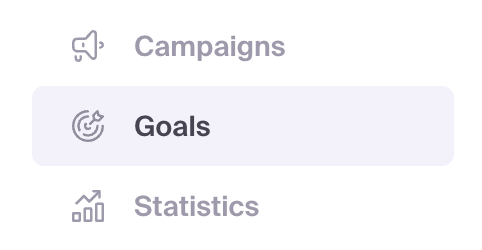
- Log in to your MyBid advertiser account and navigate to the Goals tab.
- Click the + Create conversion goal button.
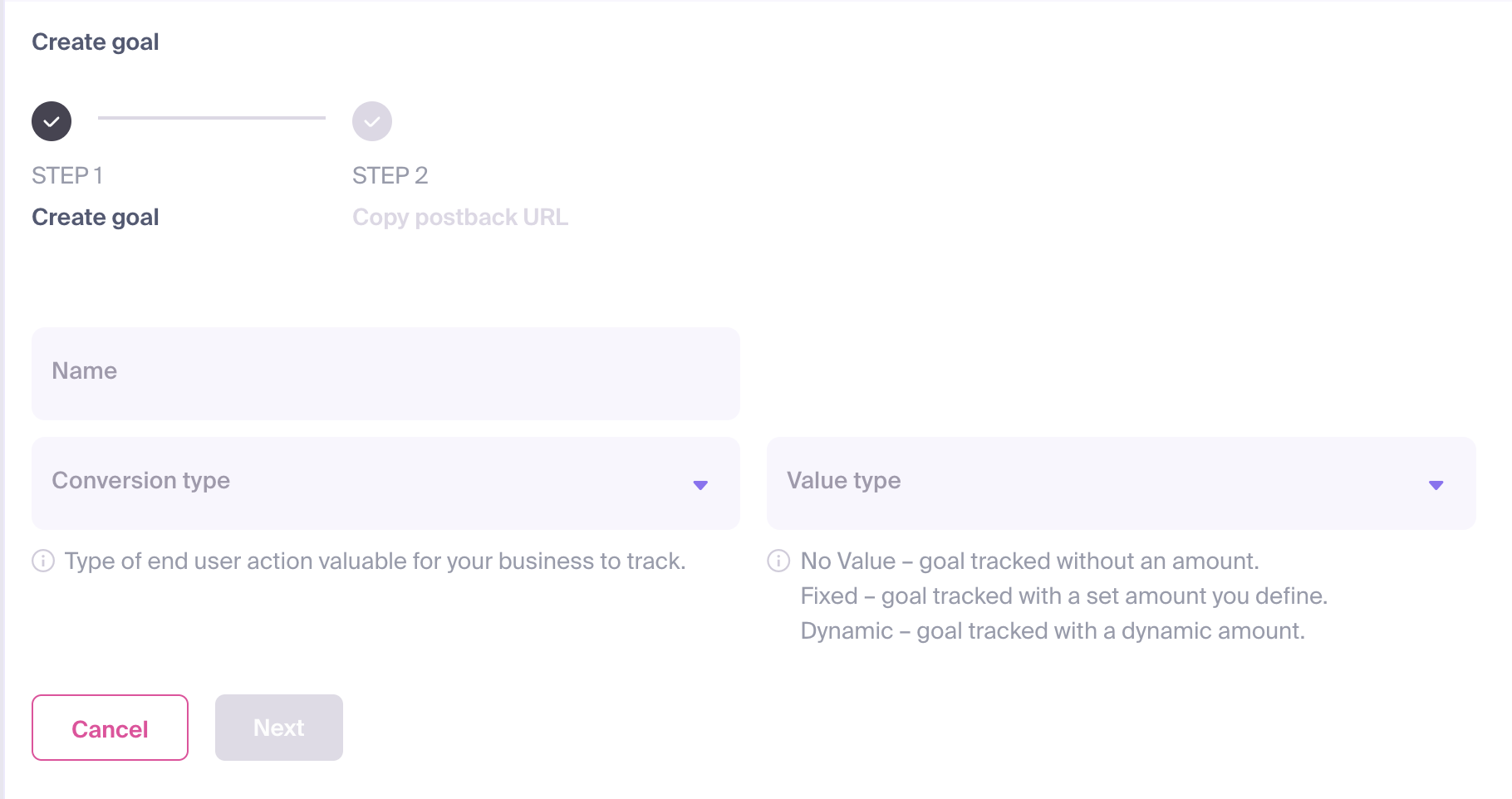
The configuration form will appear, requiring the following details:
- Name: Assign a clear and descriptive name that reflects the specific action (e.g., "Registration" or "Sale").
- Conversion Type: Select the category that best matches the user's action.
- Value Type: Define the payout for the conversion. This value is used to calculate your campaign's Revenue and ROI (Return on Investment). You can choose from:
- No Value: No specific monetary amount will be attributed to the conversion.
- Fixed: Assign a static amount for every conversion of this type.
- Dynamic: The conversion value will be passed dynamically through your postback URL.
Once configured, click Next.
A Postback URL will be generated. Note the
goal_idparameter in this URL.
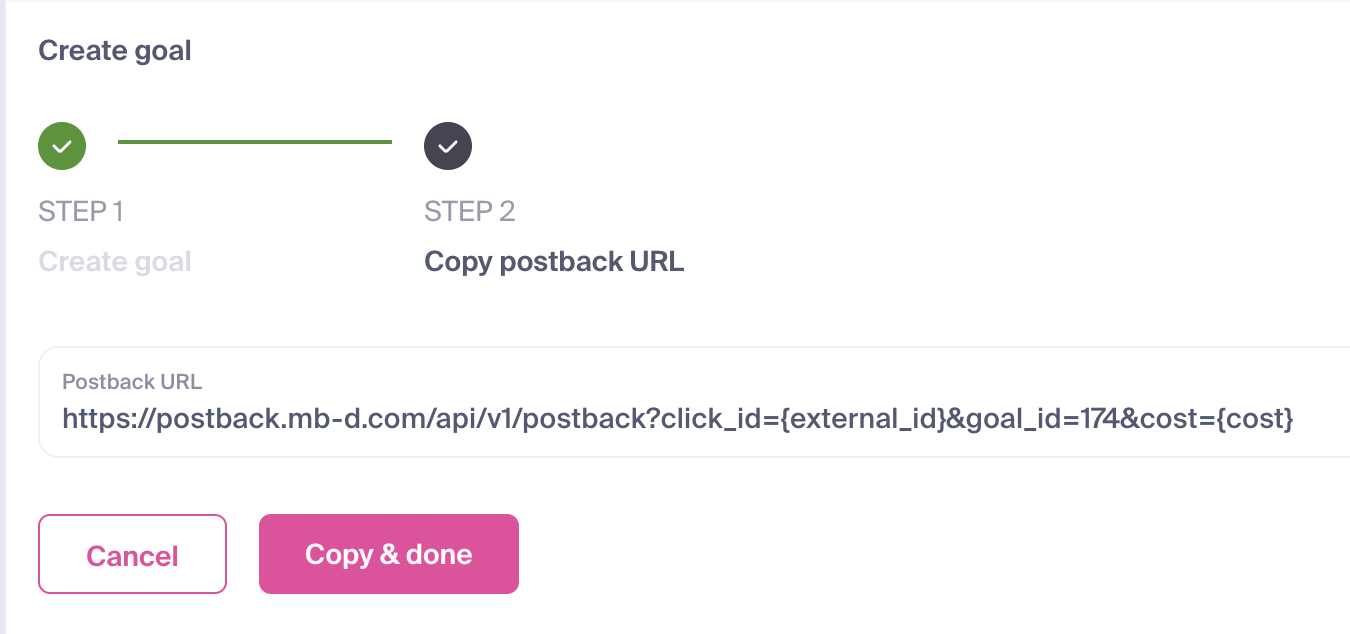
Click Copy & done to save your new goal and copy the postback URL for integration.
You are now ready to implement the postback in your tracking software or third-party platform.
IMPORTANT
Every Conversion Goal is assigned a unique goal_id. This ID is required to correctly associate user actions with the specific goal in your dashboard. Your postback URL should follow this structure:
https://postback.mb-d.com/api/v1/postback?click_id={external_id}&goal_id=186&cost={cost}Check Conversion Tracking After Setup
After configuring the postback in your tracker or other system, use Goals → Test conversion to generate a Test URL, complete the expected action, and check the received goal and value. Follow Test conversion: How to Check Conversion Tracking before launching your campaign.
Related Articles
- How to Set Up Conversion Tracking With AdsBridge
- How to Set Up Conversion Tracking With BeMob
- How to Set Up Conversion Tracking With Binom
- How to Set Up Conversion Tracking With Voluum
- How to Set Up Conversion Tracking With RedTrack
- How to Set Up Conversion Tracking With Keitaro
- How to Set Up Conversion Tracking With FunnelFlux
- How to Set Up Conversion Tracking With CPV Lab
- How to Set Up Conversion Tracking With PeerClick