
Multiformat
Multiformat lets you launch additional campaigns in complementary ad formats — Popunder and Inpage — straight from the form of your primary campaign. Creatives, targeting, GEO, OS/browser, capping, and time range are reused automatically, while bid and budgets are set independently for each additional campaign. One setup, several formats, no re-uploading.
When to Use Multiformat
- Expanding Reach: Run a complementary format alongside your primary one to capture impressions you would otherwise miss without duplicating work.
- Testing Format Fit: Quickly check whether your offer also converts on Popunder or Inpage, with the same creative idea and targeting baseline.
- Saving Time: Skip cloning the campaign, re-uploading creatives, and re-entering targeting — Multiformat handles all of that for you.
Where to find Multiformat
When creating a campaign, open General and find Multiformat after Budget limits. The block appears when Multiformat is available for the selected campaign settings. Available additional formats are shown inside the block.
Supported Format Combinations
The additional formats you can enable depend on the format of your primary campaign:
For format differences, Popunder billing, and material requirements, see Advertising Formats and Creative Requirements. Popunder uses the landing URL without a separate visual creative; Image and Icon are optional when creating supported visual creatives, but recommended for clickability.
| Primary campaign | + Popunder | + Inpage |
|---|---|---|
| Push | ✅ | ✅ |
| Inpage | ✅ | — |
| Banner | ✅ | — |
| Native | ✅ | — |
| Video (non-Tag creative) | ✅ | — |
Note: Inpage as an additional format is supported only when the primary campaign is Push.
Step-by-Step Configuration
- Start creating the primary campaign and complete its General settings.
- Open Multiformat after Budget limits.
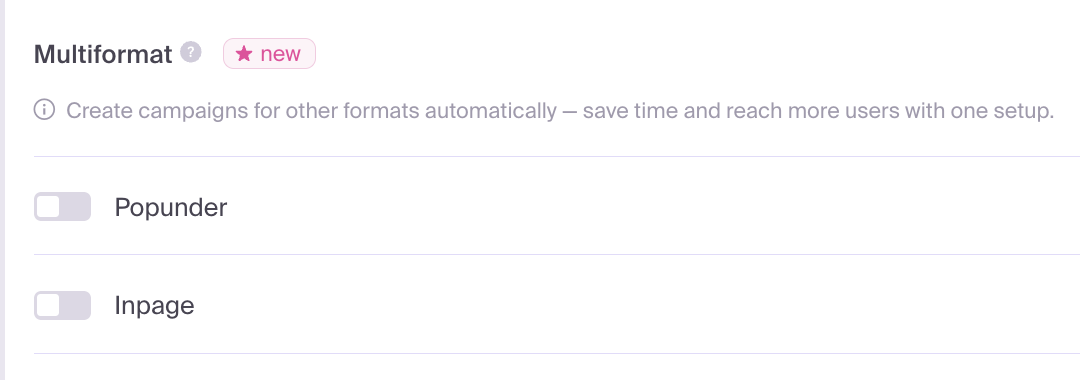
- Enable the available additional format or formats — Popunder, Inpage, or both.
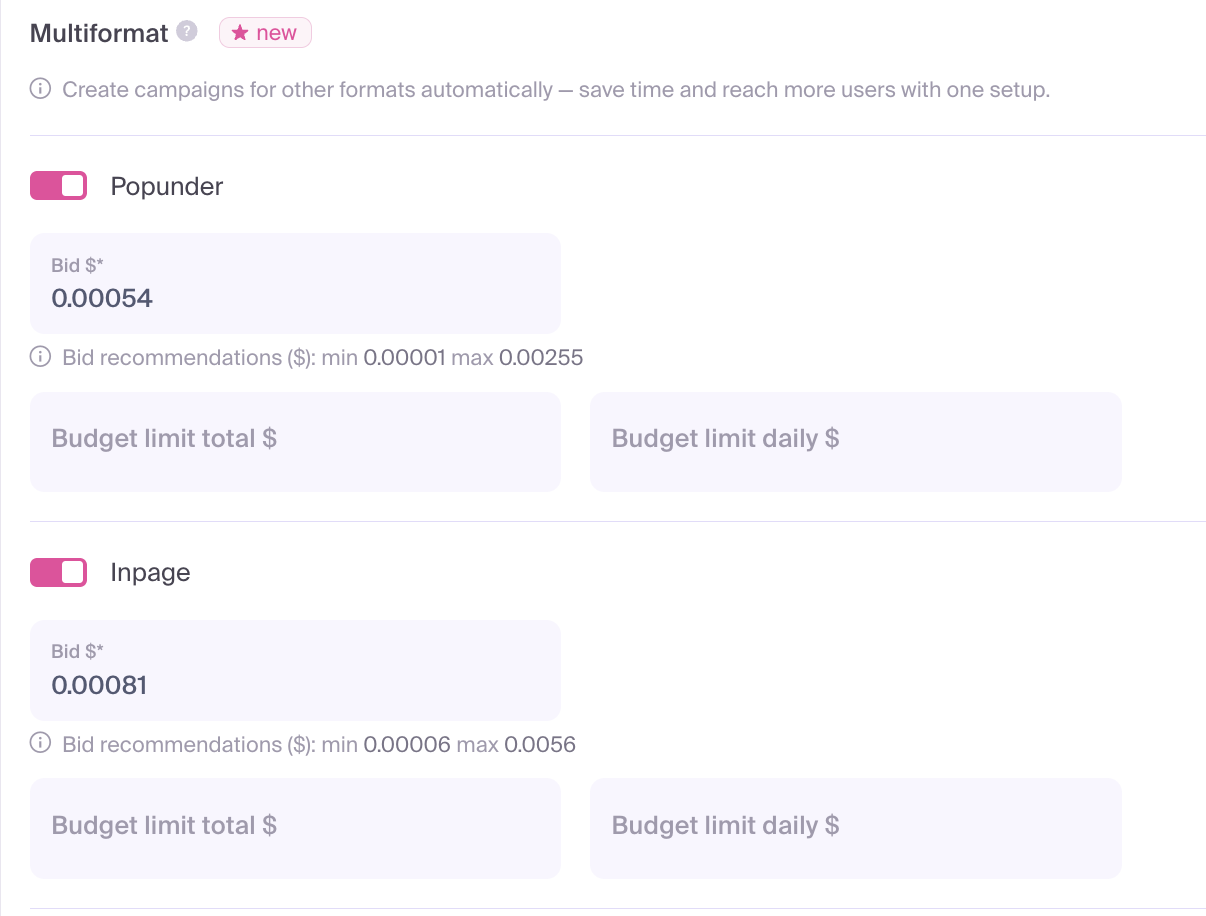
- For each enabled format, configure:
- Bid $ — required. Pre-filled with the platform's recommended bid for that format. The min/max range shown beneath the field reflects real traffic data.
- Budget limit total $ — optional. Total spend cap for that additional campaign.
- Budget limit daily $ — optional. Daily spend cap for that additional campaign.
- Complete the remaining targeting and creative settings, then save the primary campaign. The platform automatically creates the additional campaigns alongside it.
- Locate the new campaigns in your campaign list. Their names follow the pattern
Popunder_<your title>andInpage_<your title>— for example, a primary campaign called "My Offer USA" will produce "Popunder_My Offer USA".
What Is Inherited from the Primary Campaign
Each additional campaign starts with the same setup as the primary one:
- Creatives
- Targeting (GEO, OS, browser, language, device)
- Frequency capping and time range
- Traffic quality and source filters
The independent settings per additional campaign are:
- Bid
- Total budget
- Daily budget
After creation, every additional campaign is a standalone campaign — moderated, optimized, and reported on independently. You can pause it, edit its bid, change its targeting, or apply Bid by Source overrides without affecting the primary campaign.
Recommendations
- Start From the Recommended Bid: The pre-filled value sits inside the live min–max range (10th to 99th percentile of real auction data). It's a reliable baseline to launch with.
- Set Conservative Daily Caps: Until you see how each format performs for your offer, keep the daily budget tight on additional campaigns to control risk.
- Treat Each Campaign Independently: Performance can differ a lot between Push, Popunder, and Inpage. Optimize bids, capping, and source whitelists per campaign rather than copying changes across all of them.
- Don't Stack Too Many Changes: After launch, review each additional campaign separately. Avoid editing bids across all formats at the same time so you can isolate what's working.
Limitations
- Additional campaigns can be added through Multiformat while creating a campaign. You cannot add them through this block when editing an existing campaign.
- Multiformat is unavailable for TMA campaigns.
- Inpage can be added only when the primary campaign uses Push.
- For Video, the Tag creative type is not supported.